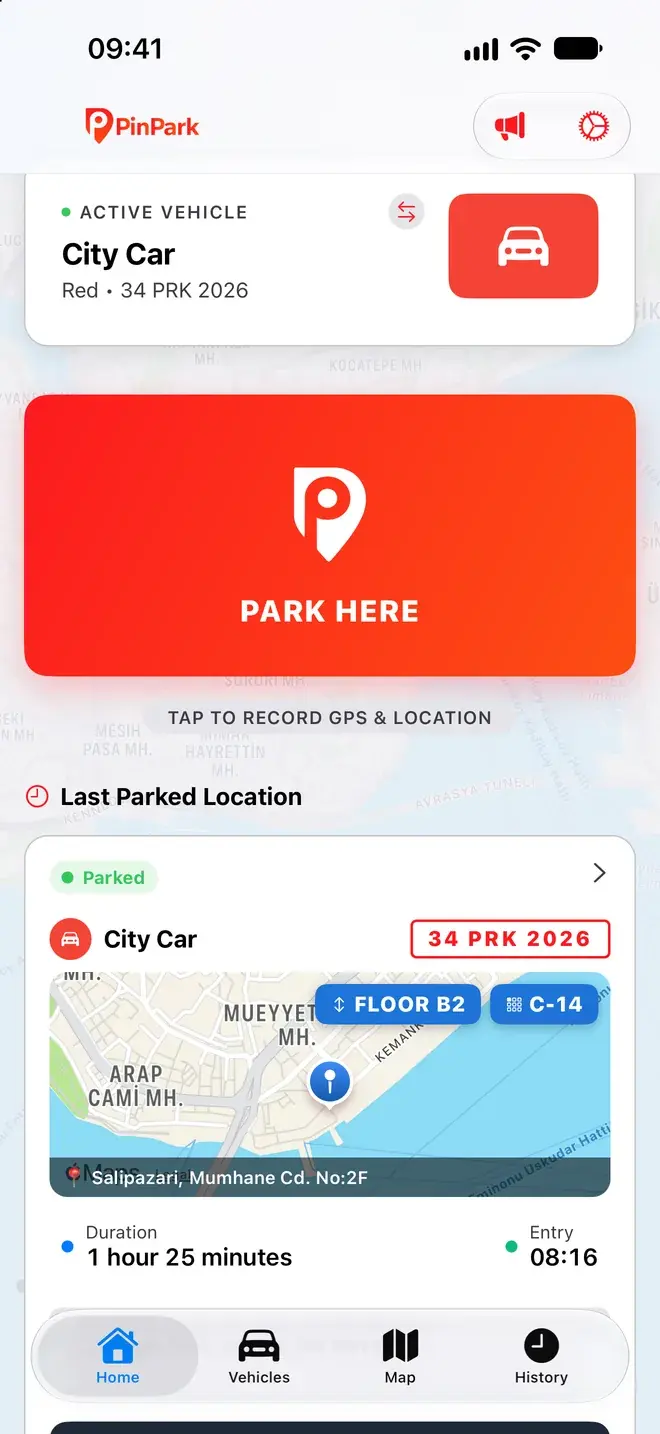
One tap. Spot saved.
Park Here records where you left the car; your last spot waits on the home screen.

PinPark
Everyday app · Find your car
Save where you parked with one tap, add the floor, the column, a note or a photo, and walk straight back to it. Every car in the family, on one map.
How it works
Park Here records where you left the car; your last spot waits on the home screen.
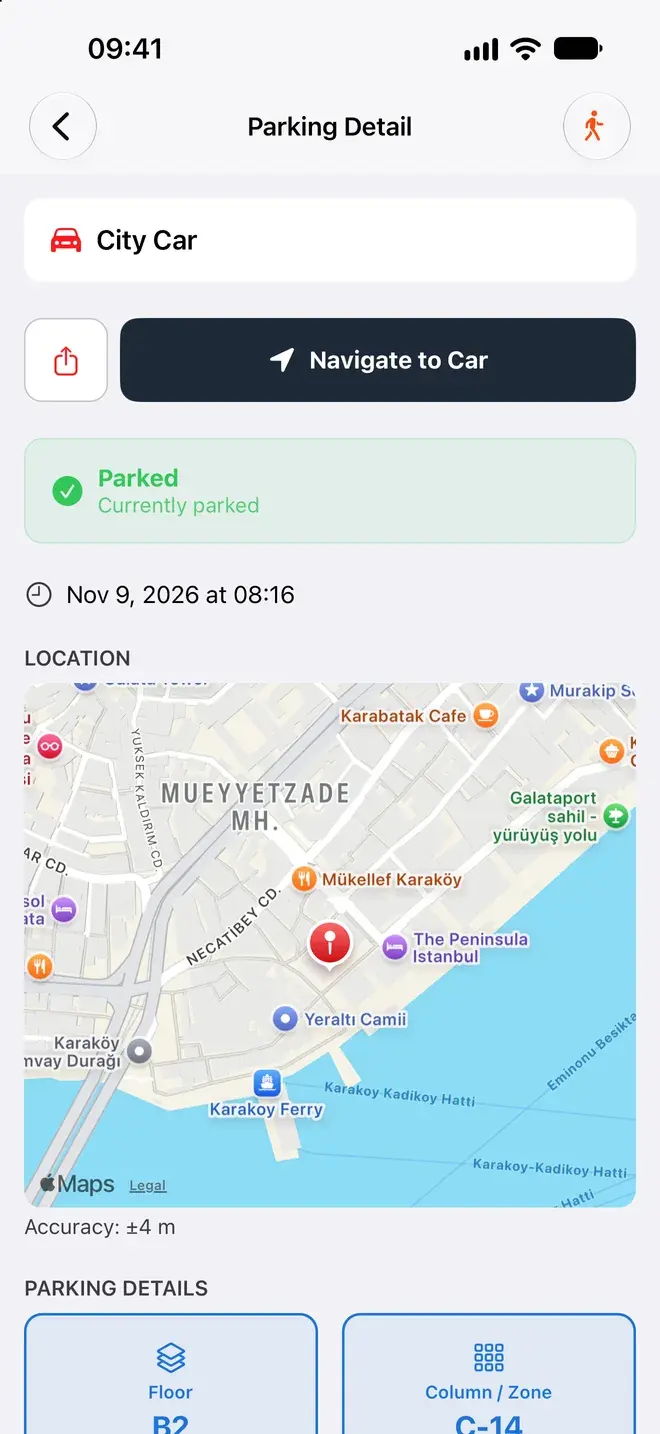
Get directions to your car, share the spot, and see the floor and column you noted.
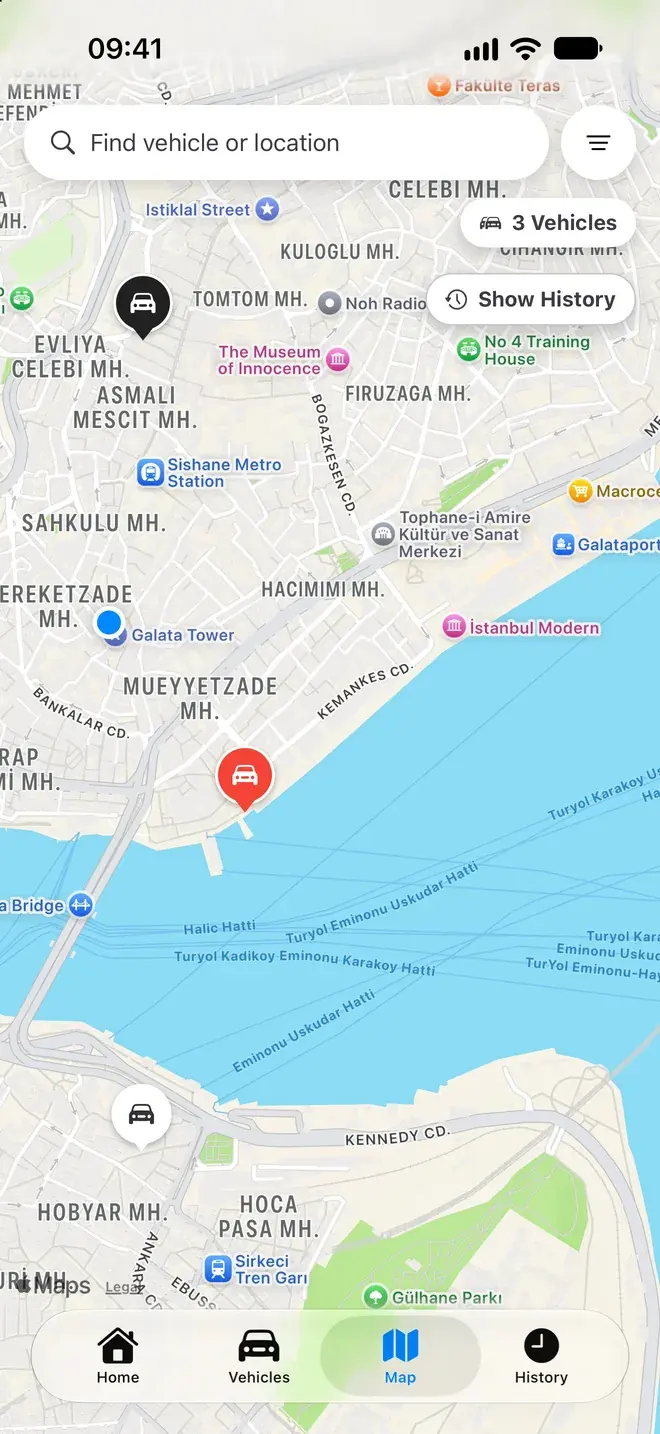
See where each of your vehicles is parked, and the spots you used before.
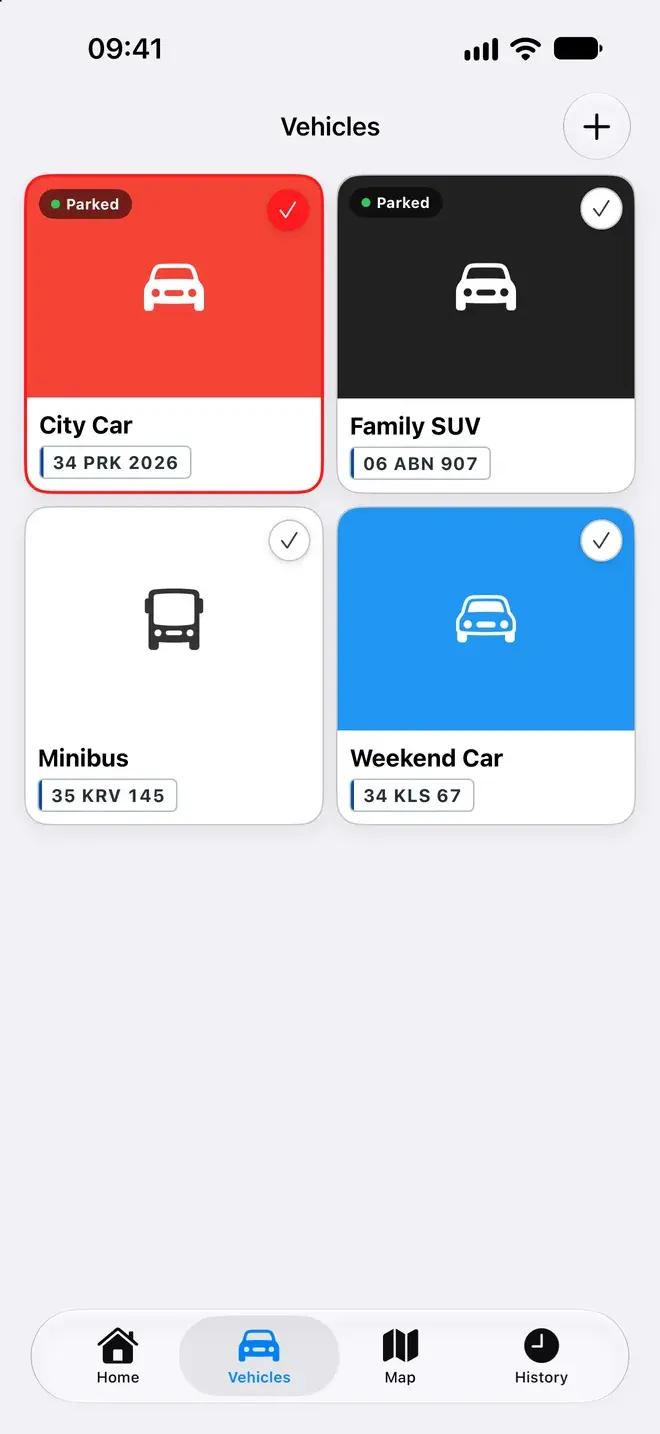
Add the family's cars and switch between them in a tap.
Floor and column, noted.
A reminder before your time runs out.
Share the spot in a tap.
Every family car in one place.
Three steps
Tap Park Here when you leave the car. The location is saved.
Add the floor, the column, a note or a photo; PinPark can read the column sign from the photo.
Tap Navigate to Car and follow the directions to your spot.
Open the app, add your car, park.
English, Türkçe, Deutsch, Français, Русский
Find any past spot by vehicle, floor, column or note.
Mark the coloured zone of big car parks.
Download
Free on the App Store and Google Play.